The Travelin' Librarian

"You Two! We're at the end of the universe, eh. Right at the edge of knowledge itself. And you're busy… blogging!" — The Doctor, Utopia

Skip to content
Menu
  • Home
  • Writing
    • Forthcoming
    • Non-Fiction
    • Articles
    • Fiction
    • Misc
  • Presentations
  • Projects
  • Also by…
  • About
  • Contact
  • The Great Library Card Collection

Tag: tips

Tuesday Tech Tip: Who has access to your Google Drive?
Internet

Tuesday Tech Tip: Who has access to your Google Drive?

Posted on August 26, 2014August 27, 2014 by Michael Sauers

If you’ve been using Google Drive for a while, especially if you use it to share documents, you’ve probably lost track of who has access…
Tuesday Tech Tip: Transfer files between cloud storage services via MultCloud
1

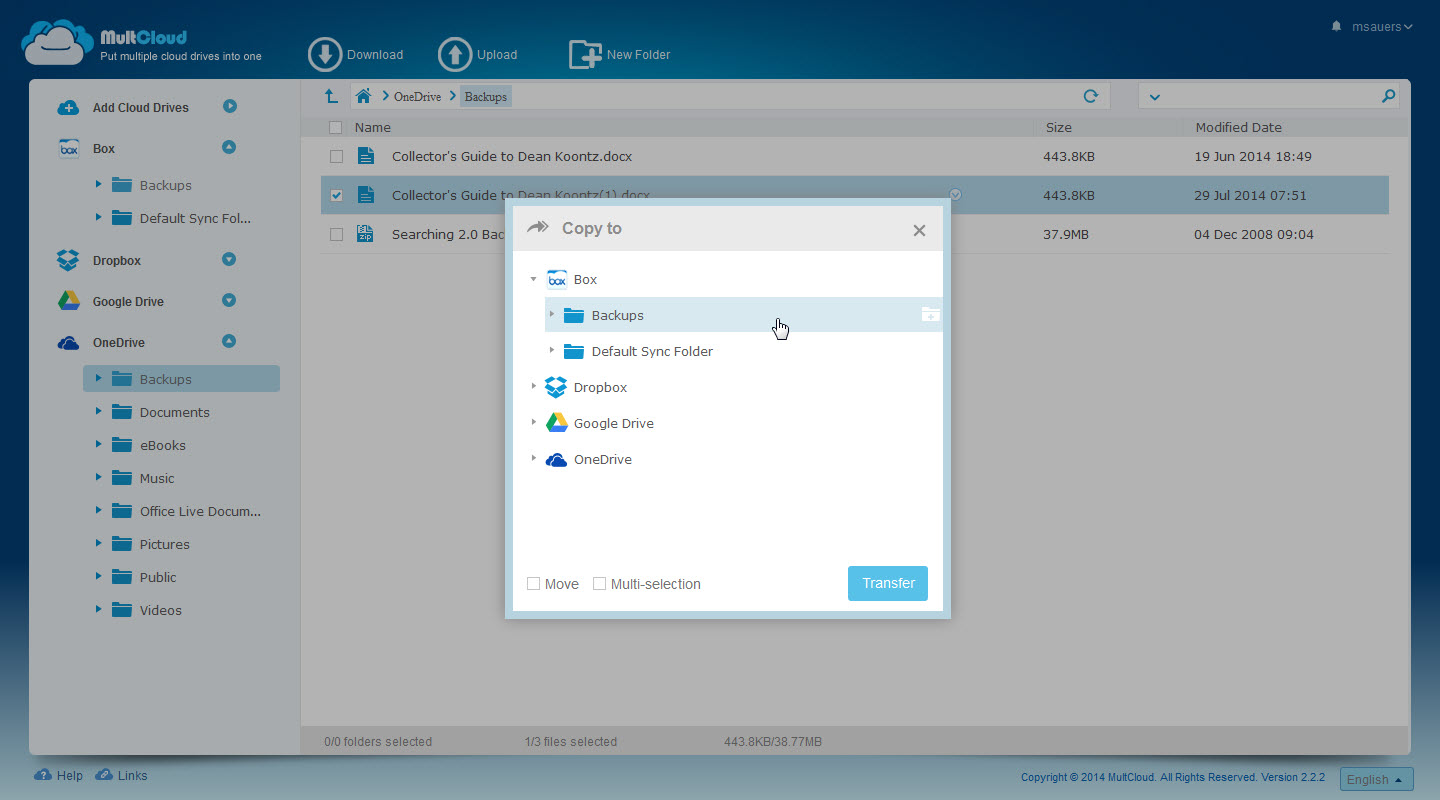
Tuesday Tech Tip: Transfer files between cloud storage services via MultCloud

Posted on August 19, 2014August 19, 2014 by Michael Sauers

Have you got a whole bunch of files in your DropBox account that you’d like to move over to OneDrive? Want to make a backup…

Tuesday Tech Tip: Editorial Calendar for WordPress
wordpress

Tuesday Tech Tip: Editorial Calendar for WordPress

Posted on August 12, 2014August 11, 2014 by Michael Sauers

This past Saturday I attended WordCamp Omaha and one of the coolest things I picked up with the Editorial Calendar plugin. There’s a few cool…
Tuesday Tech Tip: How long have you been on Twitter?
Tech

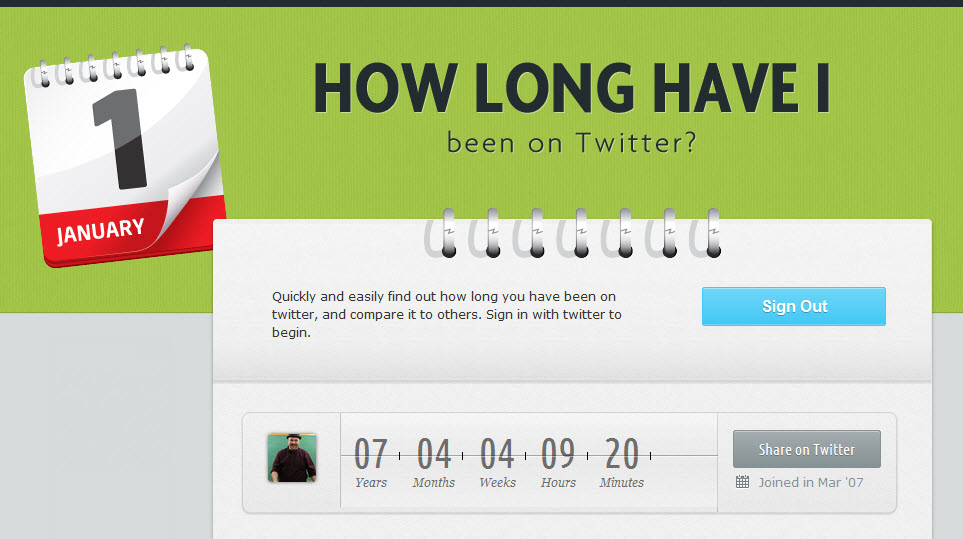
Tuesday Tech Tip: How long have you been on Twitter?

Posted on August 5, 2014August 4, 2014 by Michael Sauers

Want to know how long you’ve been on Twitter? Head on over to howlonghavei.com and log in with your Twitter credentials to get the answer.

Tuesday Tech Tip: Changing authors in WordPress
wordpress

Tuesday Tech Tip: Changing authors in WordPress

Posted on July 29, 2014 by Michael Sauers

It isn’t something you’ll need to do all that often, but there will come a time where you may want to change the author’s name…
40 Tech Tools & Tips in 20 Minutes
1

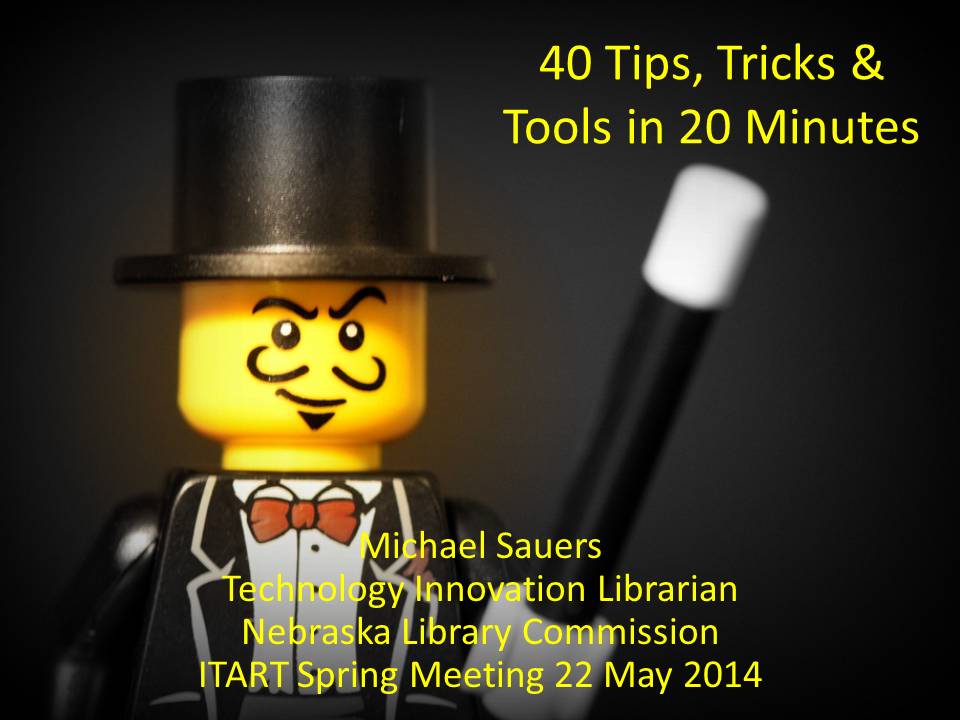
40 Tech Tools & Tips in 20 Minutes

Posted on July 28, 2014 by Michael Sauers

Presented online at the ITART spring meeting on 22 May 2014. 40 Tips, Tricks & Tools in 20 Minutes from Michael Sauers

The Hidden Keyboard Shortcut for Images in Your Browser
Internet

The Hidden Keyboard Shortcut for Images in Your Browser

Posted on July 22, 2014July 18, 2014 by Michael Sauers

Take a second to hold down the “S” key and right-click on any image on the web. Whoa, right? The results vary by browser: Chrome:…

Internet

Tuesday Tech Tip: Browser address bar shortcut

Posted on July 15, 2014July 6, 2014 by Michael Sauers

From today forward, gone is the need to move your mouse to enter a URL into your browser’s address. Next time, just press F6 and…

Tech

Tuesday Tech Tip: Shake that window

Posted on July 8, 2014July 6, 2014 by Michael Sauers

You’ve got half a dozen windows open on your desktop and you want to minimize all but one of them. Previously, I would have done…
Tuesday Tech Tip: Reboot Winows 8.x into Advanced Startup mode
Tech

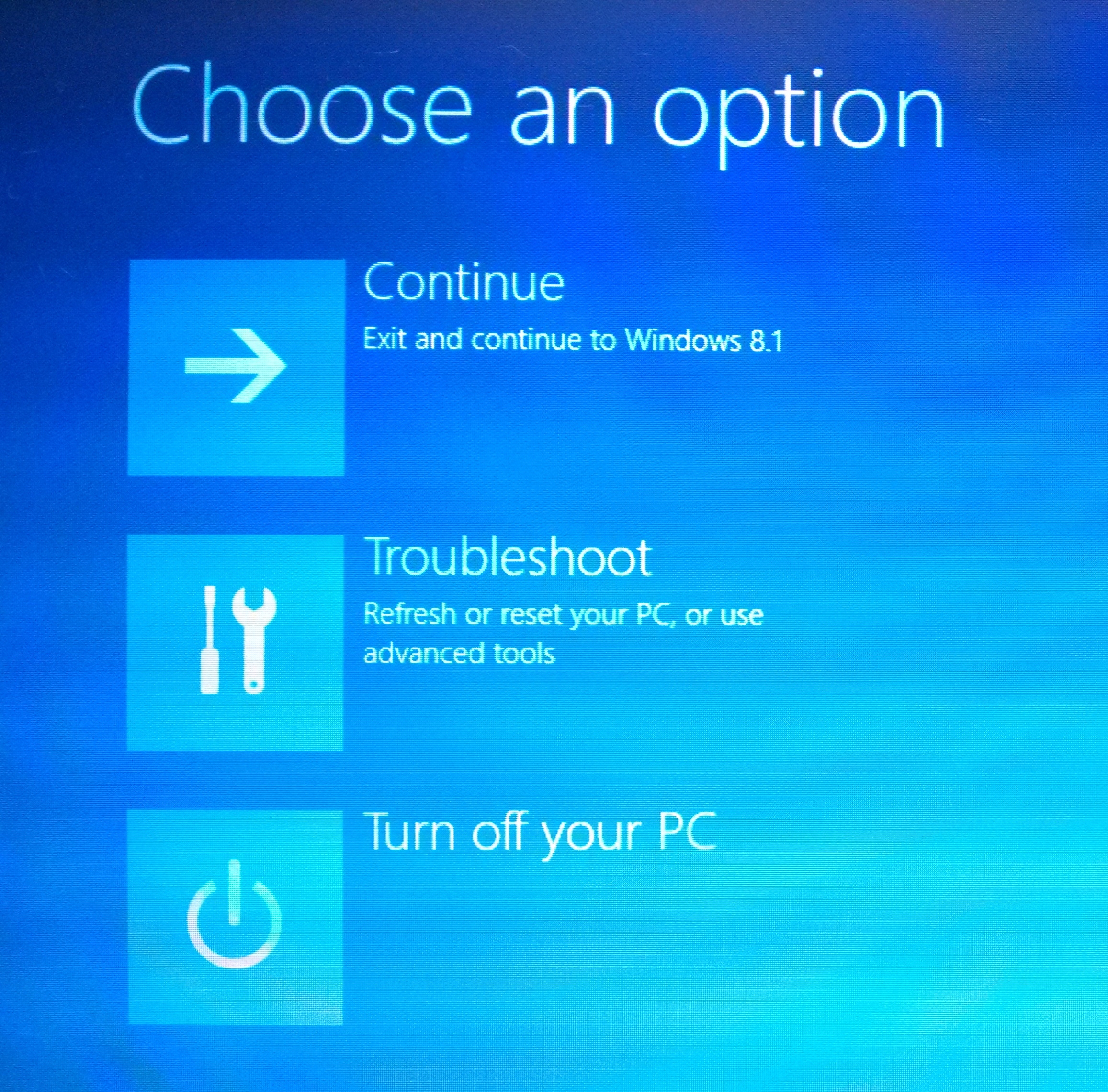
Tuesday Tech Tip: Reboot Winows 8.x into Advanced Startup mode

Posted on July 1, 2014June 25, 2014 by Michael Sauers

The Advanced Startup tool is an extra, hidden option of the Shutdown service that allows you to perform basic troubleshooting functions during startup, including doing…

Posts pagination

Previous Page Page 1 … Page 5 Page 6 Page 7 … Page 12 Next Page

Archives

Also check out…

The Collector's Guide to Dean Koontz

Top Posts

  • No one knows who made this anti-piracy ad (until now)
    No one knows who made this anti-piracy ad (until now)
  • Steve Hofstetter: They Always Come For the Books
    Steve Hofstetter: They Always Come For the Books
  • Friday Video: Randall Munroe, "What If?" Authors@Google
    Friday Video: Randall Munroe, "What If?" Authors@Google
  • Throwback Thursday: The plate that started it all
    Throwback Thursday: The plate that started it all
  • Throwback Thursday: Churn & Burn
    Throwback Thursday: Churn & Burn

Archives

Follow Me

  • Flickr
  • X
  • Facebook
  • Google
  • LinkedIn
  • Pinterest
  • Email
  • YouTube
  • Amazon
  • RSS Feed

Visitors

"As an Amazon Associate, I earn from qualifying purchases."

© Copyright 2025 – The Travelin' Librarian
Wisteria Theme by WPFriendship ⋅ Powered by WordPress
 

Loading Comments...